
English in. SQL out.
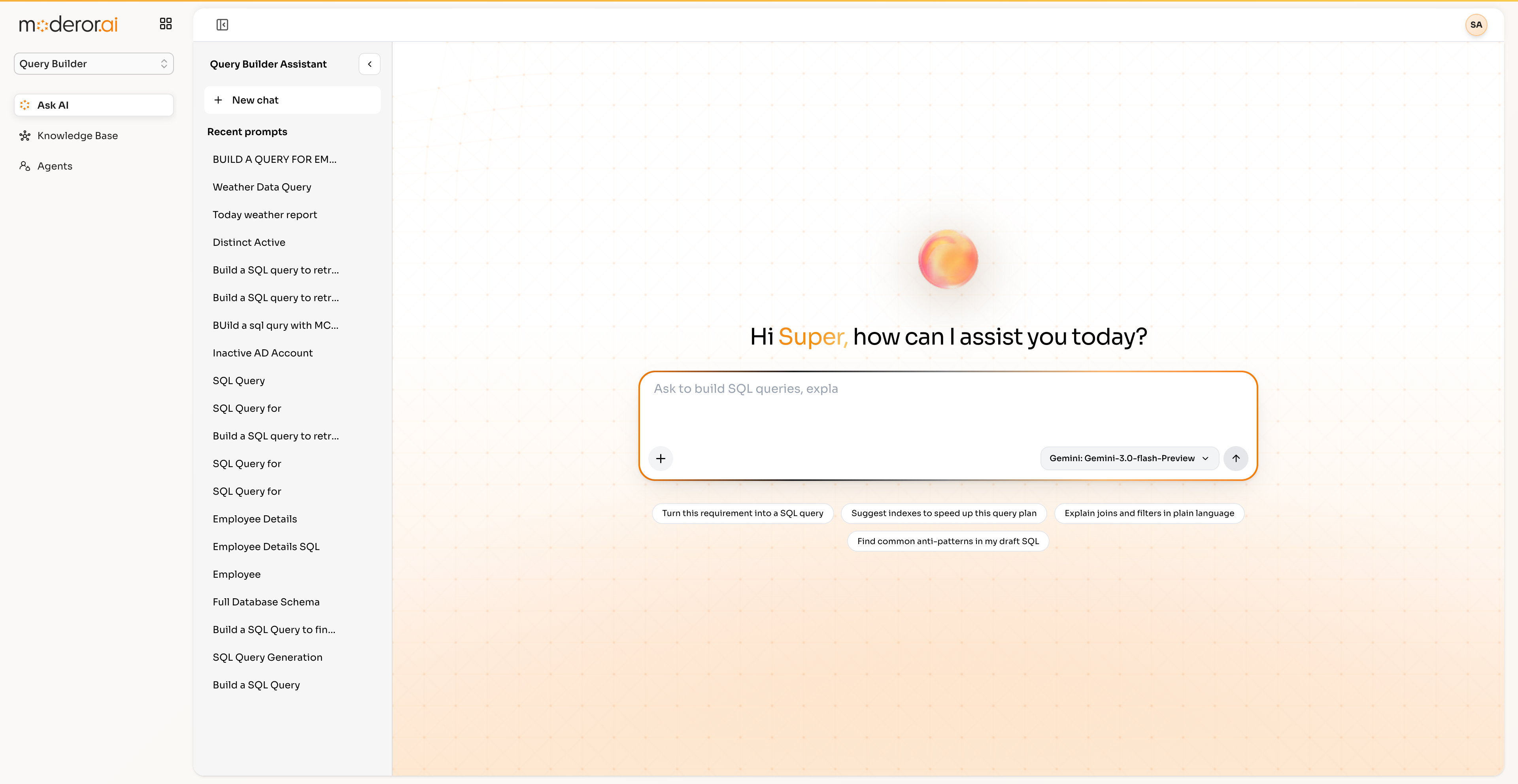
Ask in plain language — 'find employees whose AD accounts are inactive' — and Query Builder writes the SQL, joining across systems with MCP connections and RAG-grounded schema awareness.
Query Builder is Moderor's natural-language-to-SQL product. It uses MCP connections plus RAG for schema awareness, generating correct joins across systems — for example joining AD User and UAM tables to find employees with inactive AD accounts.
- NL → SQL GENERATION
- MCP-CONNECTED SCHEMAS
- RAG-GROUNDED AWARENESS
- CROSS-SYSTEM JOINS
Capabilities
/ FEATURESPlain-language queries
Describe the question; Query Builder writes the SQL — observed joining AD User and UAM tables from one sentence.
MCP schema access
Schemas come from live MCP connections, not stale documentation.
RAG grounding
Schema knowledge is RAG-grounded so generated SQL references real tables and columns.
Cross-system reach
Joins span connected systems — identity, HR, operations — in one query.
By the numbers
/ PROOFQuestions, answered
FAQHow does Query Builder know my schema?
Through MCP connections to your live databases plus RAG-grounded schema knowledge — so it writes SQL against real tables and columns, not guesses.
Can it join data across systems?
Yes — the reference example joins Active Directory user data with UAM tables to find employees whose AD accounts are inactive, from a single plain-language request.
Who is Query Builder for?
Analysts and operators who know the question but not the schema — and engineers who want the first 90% of a query written instantly.
More from APPcelerate Suite
/ RELATEDAI BRD Generator
Business requirements documents generated from templates with AI quality rating.
View product →APPCELERATE SUITEAI App Builder
Describe an application and get working prototype code instantly.
View product →APPCELERATE SUITEVAPT
Scanner reports normalized into tracked vulnerabilities with SLA and exceptions.
View product →See it on your data.
Connect a source over MCP, point an agent at a control set, and watch the first findings arrive — with you in command.