One control plane for every agent, model and connection.
Platform-wide Ask AI, user/role/LOB management, the agent registry with guardrails, MCP catalog and connections, LLM model configuration and full audit logging.
Inside the suite
/ PRODUCTSPlatform Admin Console
The console itself is the product — see capabilities below.
Proof, not promises
/ NUMBERS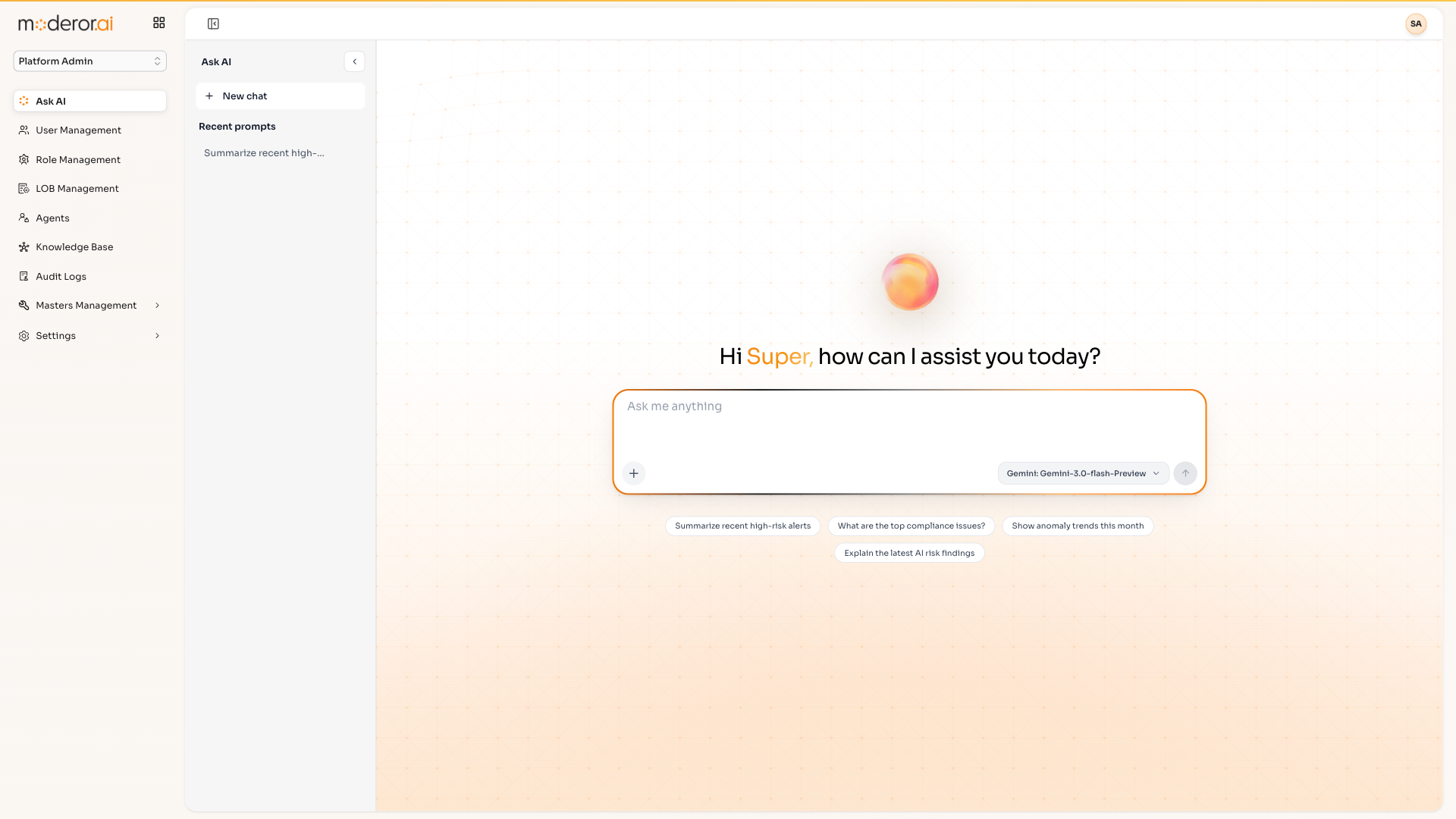
What the console controls
/ CAPABILITIESAsk AI
A platform-wide chat assistant on Gemini-3.0-Flash-Preview: summarize high-risk alerts, top compliance issues and anomaly trends.
Users, roles & LOBs
52 users across 14 roles — Platform Admin, Auditor, Task Assignee, Service Engineer, Asset Owner — scoped to 7 lines of business.
Agent registry & guardrails
Every agent across every product, with run counts, model assignment and a Guardrails tab.
MCP catalog & connections
A catalog of MCP server images and 11 live connections — ICAT P2P/TNE (53 tools), Azure AD (27 tools), DLP (18 tools).
LLM model configuration
16 model configurations across the Gemini family and OpenRouter Mistral, with masked API keys.
Platform audit logs
2,099 activity logs capturing user, suite, action type, old/new values, IP, device and source.
Questions, answered
FAQWhat is the Moderor Platform Admin Console?
It is the operational backbone of moderor.ai: a single console for managing users, roles and lines of business, every AI agent and its guardrails, MCP data-source connections, LLM model configurations and platform-wide audit logs.
Which AI models can Moderor use?
Moderor is multi-LLM by design. Administrators configure models per agent — Google Gemini 2.0/2.5 Flash and Pro, Gemini 3.0 Flash Preview, and OpenRouter-hosted models such as Mistral — with masked API-key management.
How does Moderor connect to enterprise data?
Through the Model Context Protocol (MCP). The console ships a catalog of MCP servers — Jira, Qualys, OpenSearch, Azure AD, Databricks, Teradata and more — and tracks live connections; one Teradata connection alone has synced 203,453 records.
See it on your data.
Connect a source over MCP, point an agent at a control set, and watch the first findings arrive — with you in command.